YouTube Kids
Voice Search
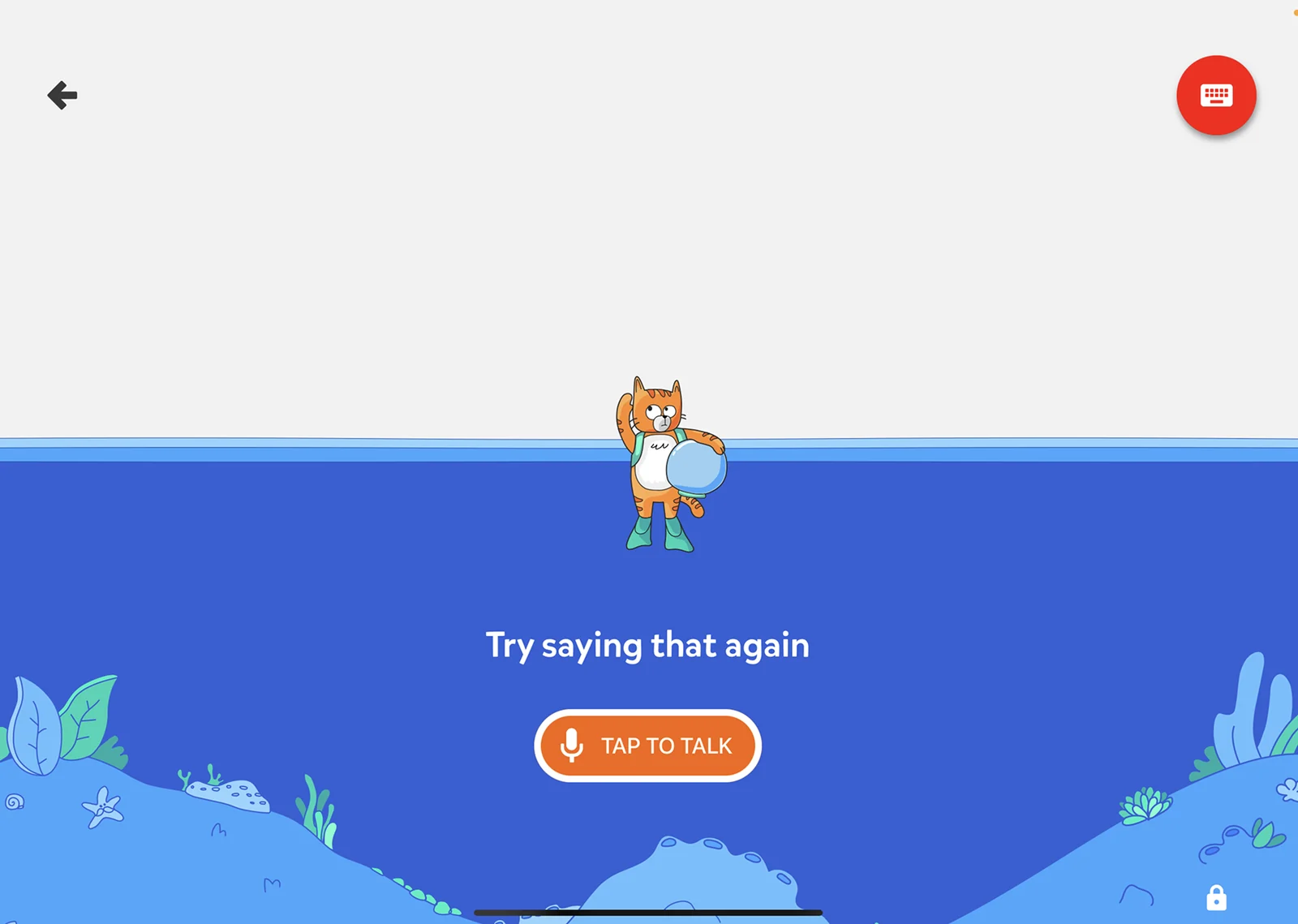
Turning an underperforming utility into an immersive guided experience
UX Researcher
Visual Designer
Motion Designer
Illustrator
UX Writer
PM
Apps Eng Lead
Search Eng Lead
Front End Engineer
As UX Lead for YouTube Kids & Family, I managed a team of 10 and led UX for the YouTube Kids app across all platforms: iPhone, Android, tablets, web and TV.
Voice search is how kids who can’t yet read or spell explore their curiosity. We redesigned it from a plain utility into an immersive, playful experience, and the project became the first launch of code-based Lottie animations at YouTube, which other teams across YouTube and Google went on to adopt.
Problem
Voice search in the YouTube Kids app had low usage and click through rates.
User-centered challenge:
How might we help pre-readers search for what they’re curious about?
Business challenge:
Shift the app’s positioning from passive browsing to active kid enablement, measured by increasing the amount of watch time from search relative to browse.
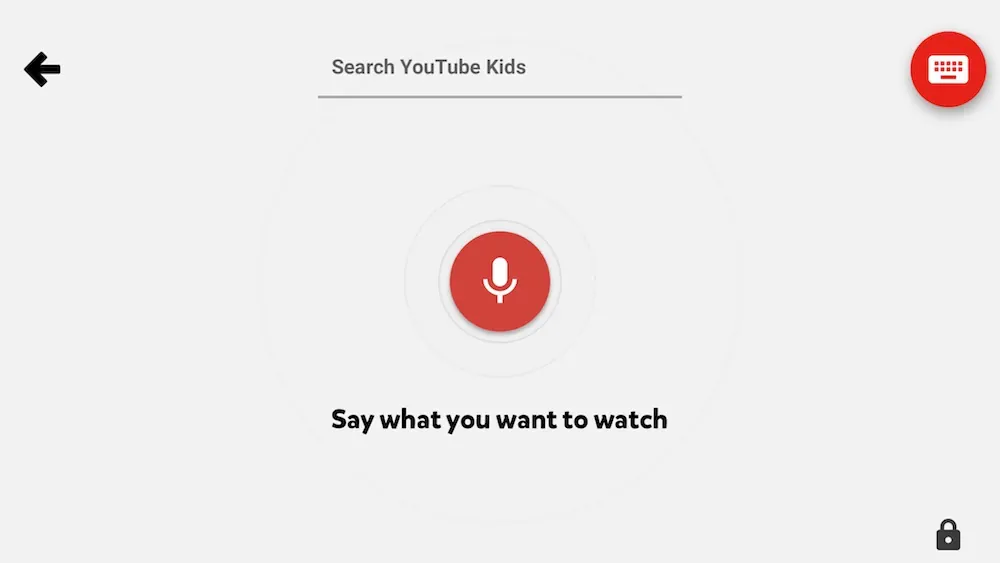
MVP voice search experience that launched with the app
Research
Young users struggled to search for a few reasons
The app targeted kids ages 2 to 8, so a sizable portion of our audience could not read or type. In a series of post-launch home visit and diary studies, we observed kids getting stuck while using voice.
Top usability findings:
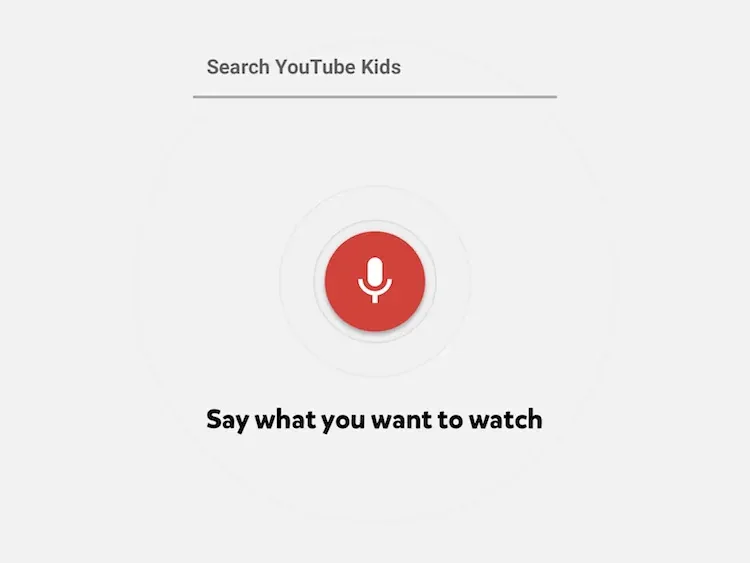

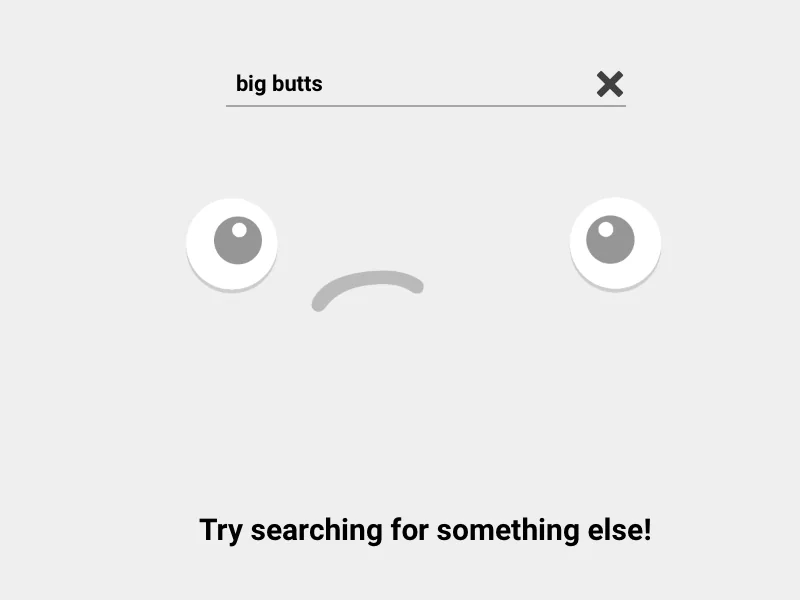
Two key insights drove the project
In addition to usability issues, our later international foundational home visit research emphasized the opportunity to give kids options beyond passive browse.
Kids’ first search
YouTube Kids is often a kid’s first app with a search feature. Searching is an important life skill that can be learned while having fun.
Voice empowers kids
Our primary audience can’t read or spell. Kids’ eyes lit up with possibility when doing their first voice search with us. Voice search is essential for kids to explore their curiosity, our mission at that time.

These higher level goals inspired the team and helped galvanize the resources needed to prioritize this work. A search experience for pre-literate kids did not exist yet at Google, so we needed to innovate.
Design & visual approach
We explored a range of options from utilitarian to immersive
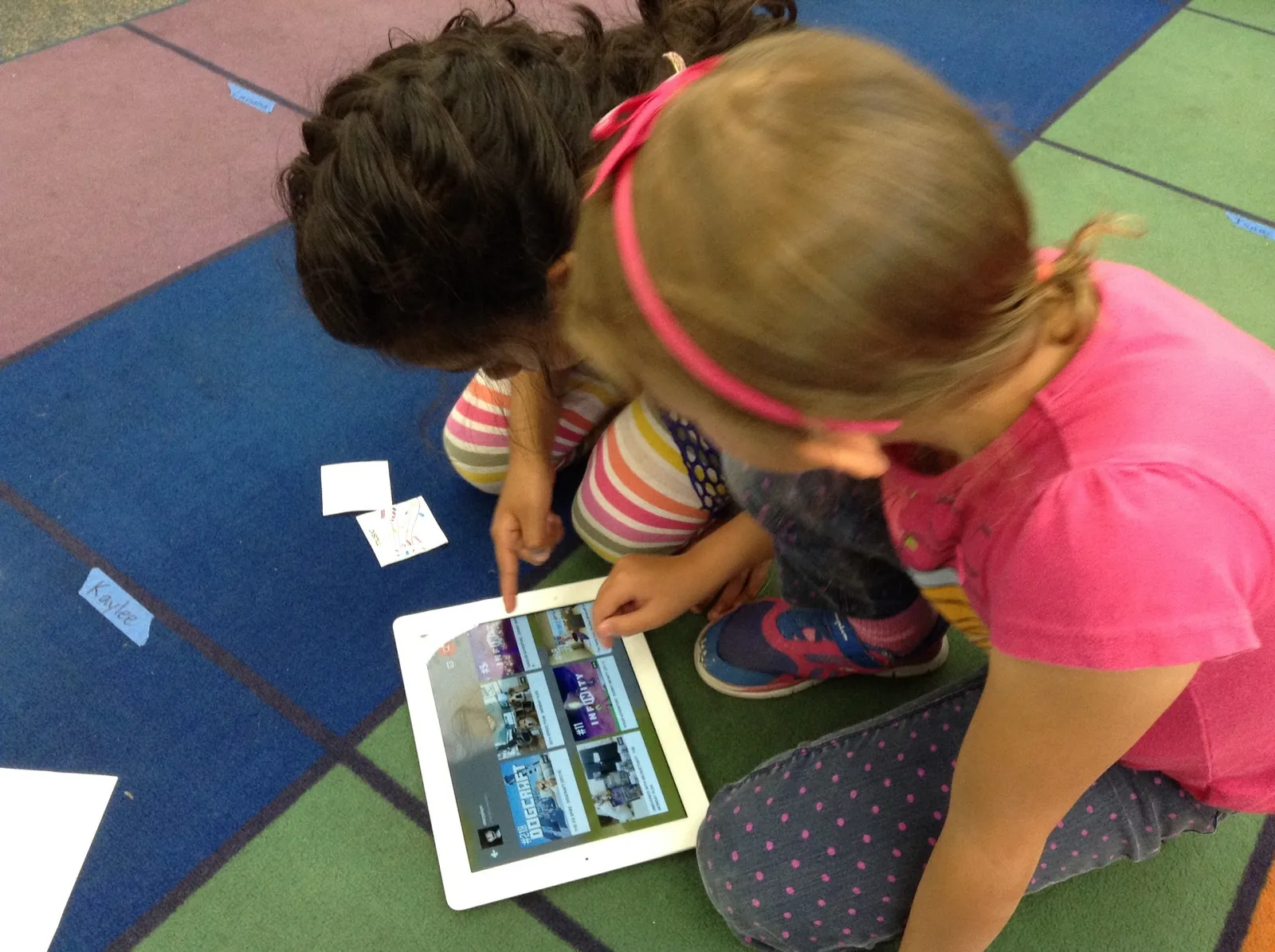
The team conducted an inspirational co-design session with kids at the YouTube usability lab. We then designed and tested animated prototypes in co-design sessions in partnership with a local elementary school that my team arranged.
Approach 1: Voice waves
One more utilitarian direction was inspired by kids’ drawings of voice and sound in our co-design sessions. The drawings gave us confidence that a wavelength visual was meaningful to kids.
However, when we observed kids’ behavior with a functional prototype, we saw that the animation was distracting. The waves were so prominent that kids became overly focused on the animation responding to their voice, not the task of search.

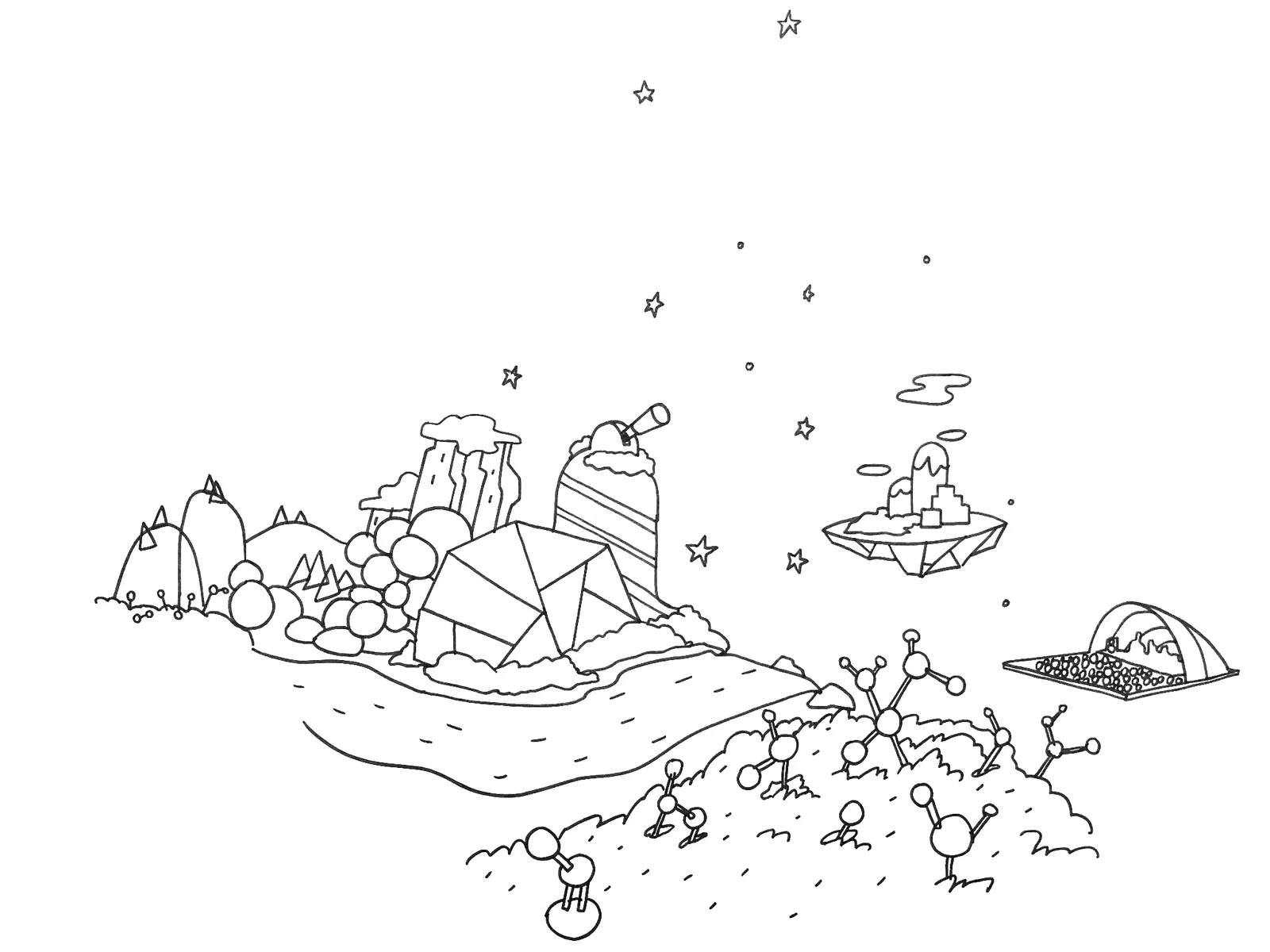
Approach 2: Islands of content
Another way we abstracted search was to think about “islands of content” that kids could zip between by searching. A search about music would zoom them into the music island, a search about science the science island.
However, this approach was technically complex as it involved classifying all videos and pulling up a visual that kids would view as representative of the category.
We ended up choosing a third option.
Final design
Voice search through a sea of videos
The immersive UI has a narrative feel that keeps kids moving along through the search process.
- The explorer cat gives kids a character to talk to.
- Subtle waves respond to each kid’s voice, showing the app is listening.
- Kids “find their interests in an ocean of videos” is a concrete metaphor for what is happening.

Usability was improved too
- Button states are obvious.
- Voice prompts guide kids to “Tap the button and say what you want to watch” and announce what is searched out loud. These were localized in over a dozen languages by my team.
- Blocked or empty searches became friendly redirects instead of dead ends.

New technology adoption
Our team successfully advocated for code-based animations across YouTube & Google
We wanted immersive animations that weren’t possible with animated GIFs. Lottie code-based animations were a new solution, but this new technology had never been used at YouTube.
I mentored our motion designer through a pitch to engineering. We started small, replacing our icon animations, and the test was a success. Then we proceeded to dream big.
YouTube Kids became the first Lottie launch at YouTube, and other teams adopted it afterwards. Our motion designer became a go-to consultant across Google.
Conclusion
Encouraging more active searchers
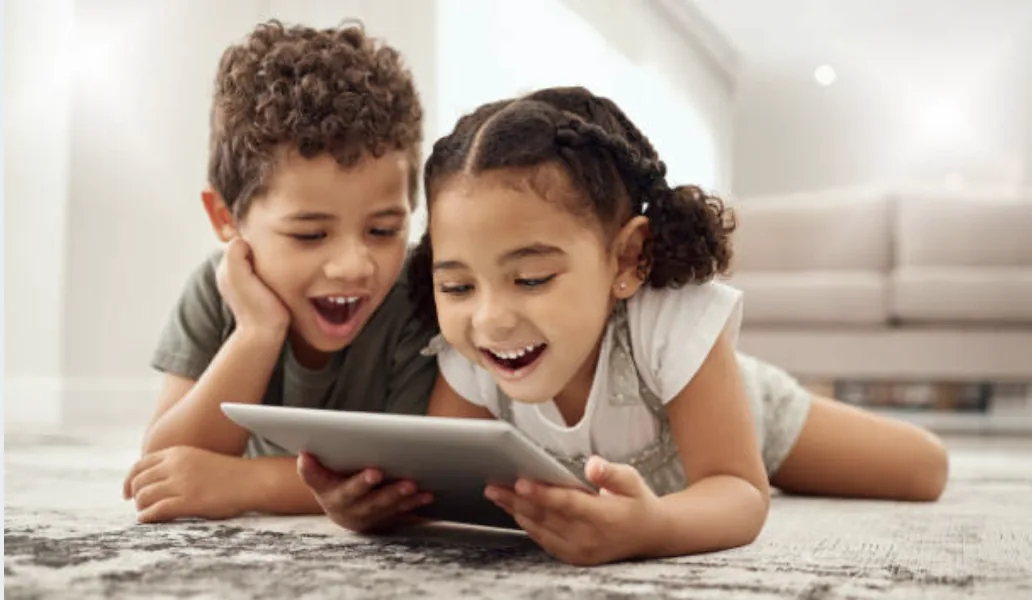
Exact stats can’t be shared but we did increase the number of video watches from active search versus passive browsing. Delightful errors meant kids tried again instead of giving up.
The experience remained in the product for years, a sign of continued positive click through rates.
Let’s work together.
If you’re looking for a multi-disciplinary leader who can adapt as the work changes, let’s connect.